Why Sliders Still Don’t Help on Squarespace Sites
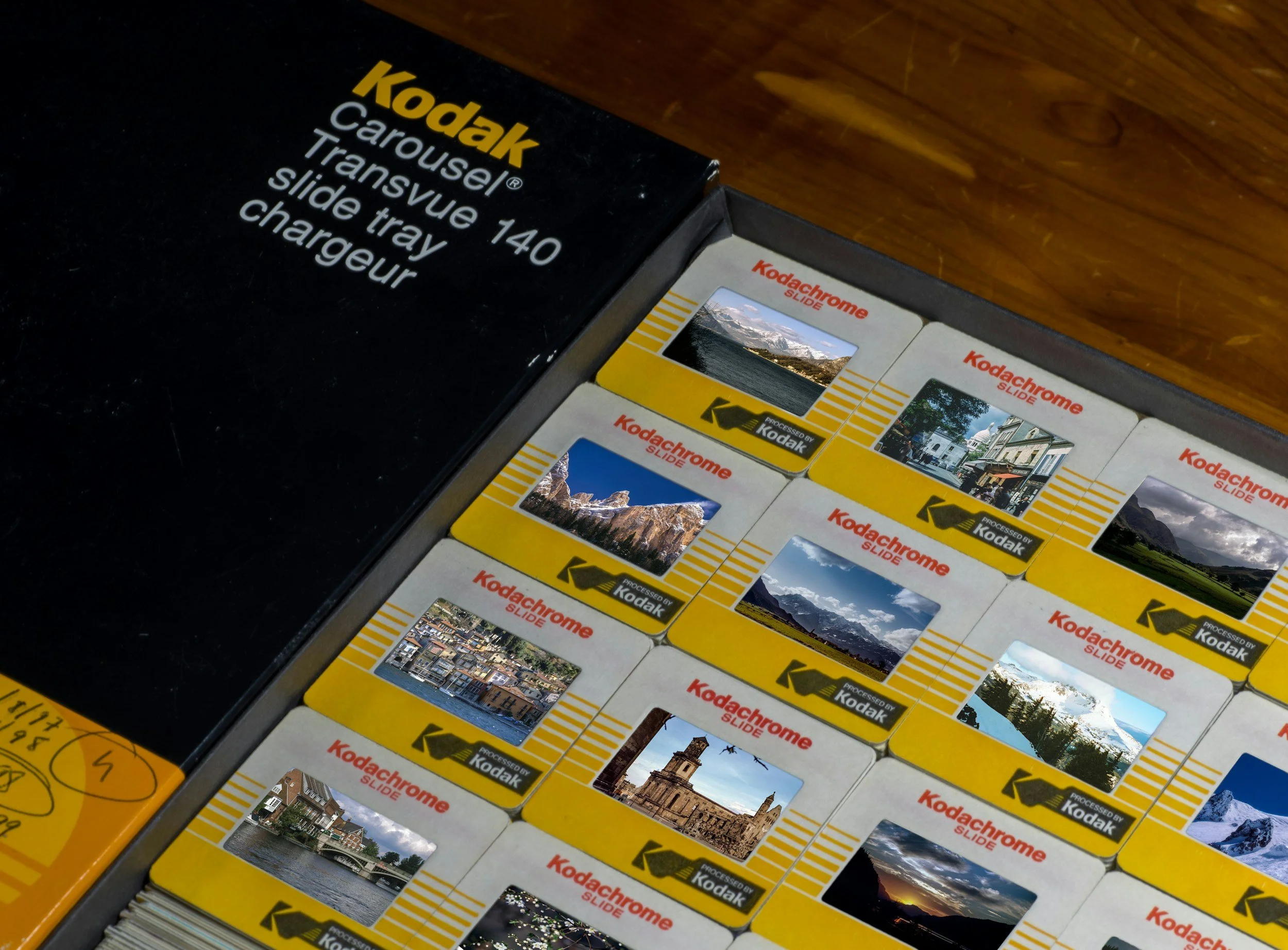
Sliders appear on many Squarespace sites.
They’re built into templates.
They’re easy to add.
They promise to let you say more without taking up more space.
And they still tend to cause more problems than they solve.
This comes up often when I work with Seattle and West Seattle businesses using Squarespace, especially on homepages that are trying to do too much at once.
What sliders promise
The idea behind a slider is simple.
You want to highlight:
More than one service
More than one message
More than one image
A slider feels like a compromise. Everything gets a turn. Nothing has to be removed.
In theory, that sounds helpful. In practice, it rarely works the way people expect.
What actually happens instead
Most visitors don’t sit and watch a slider.
They land on the page and start scrolling almost immediately. If the slider changes on its own, they often miss most of the content entirely. If it requires clicking, many people never interact with it at all.
What you’re left with is a large area at the top of the page that doesn’t clearly communicate anything.
On mobile, the issue is even more pronounced. Sliders take up a lot of vertical space, and their motion can feel distracting rather than helpful.
Why Squarespace sliders are especially tricky
Squarespace doesn’t have a dedicated “slider” block like some platforms do, but many templates include slideshow or gallery sections that work the same way.
Because they’re built into the template, they’re often added by default — not because they’re the best choice, but because they’re available.
Once they’re in place, it’s easy to keep adding slides instead of asking a harder question:
What do visitors actually need to see first?
What visitors really notice
When someone lands on your site, they’re usually looking for one thing:
Confirmation they’re in the right place
A quick understanding of what you offer
A clear next step
A rotating set of messages makes that harder, not easier.
Instead of guiding people, sliders ask them to work. They have to wait, watch, or click to piece together what matters. Many won’t bother.
How search engines treat slider content
Search engines also struggle with sliders.
Only one slide is visible at a time.
Important text may be hidden or duplicated.
The page's main message can become unclear.
For local businesses in Seattle trying to show relevance and focus, that lack of clarity can quietly work against you.
A homepage with one clear message is much easier to understand — for people and search engines alike.
Better options on Squarespace
Squarespace templates offer plenty of alternatives that work better than sliders:
A single strong headline with supporting text
One focused image that sets the tone
A clear call to action
Sections that stack naturally as people scroll
These options feel simpler, but they tend to better orient visitors quickly.
When removing a slider makes the biggest difference
One of the first changes I often make on Squarespace sites is removing the slider entirely.
Not because sliders are “bad,” but because they usually signal that the page is trying to say too many things at once.
Once the slider is gone, the homepage often becomes easier to organize. The message sharpens. The page feels calmer.
That shift alone can make the site feel more intentional, without adding anything new.
Something to consider
If your homepage relies on a slider to explain what you do, it may be worth asking whether one clear message would do a better job.
You don’t have to say everything at once. You just need to help people understand where they are — and what to do next.